Bitget Wallet Card Guide: Fiat24 Setup, Top-Up, Alipay, WeChat Pay, and Google Pay
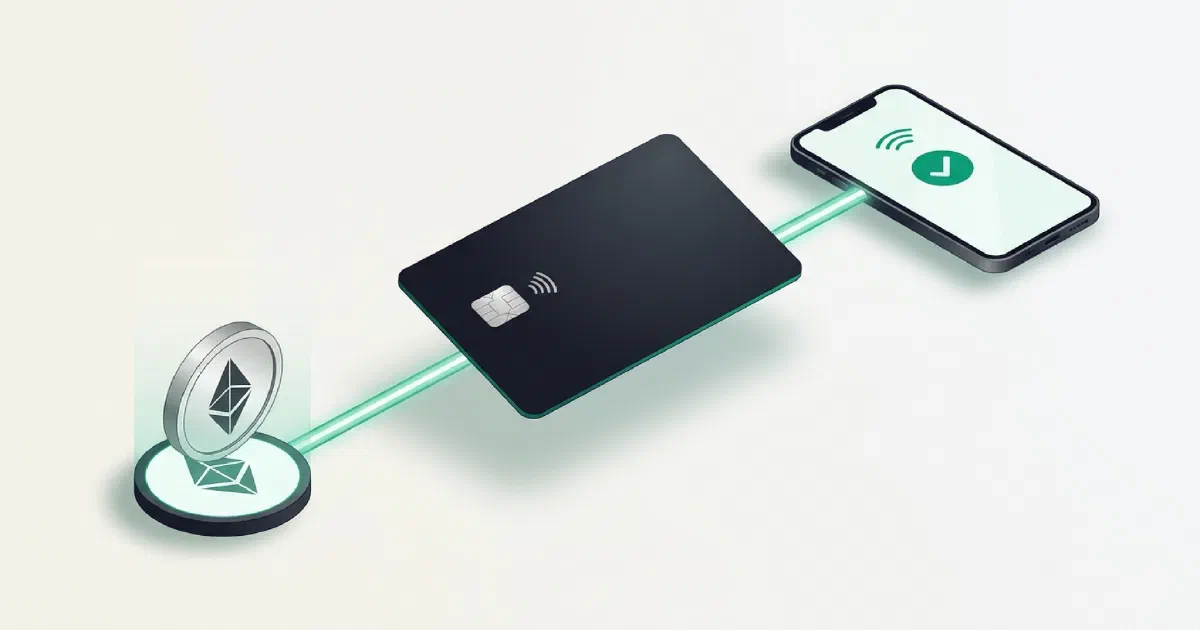
What the card is
Bitget Wallet and Fiat24 launched a crypto-linked payment card that I originally tested as a virtual “U card.”
The things that stood out to me were:
- Relatively clear fee structure. The current Mainland China fee page lists no issuance fee, no annual fee, and no spending fee, while top-ups and some payment scenarios can still carry fees.
- Exchange rates and fees need to be checked in the live app. My original test had relatively low FX loss, but that can vary by region, funding currency, and payment method.
- Multiple payment platforms. The card can be connected to services such as Alipay, WeChat Pay, Google Pay, and Apple Pay where supported.
- GetGas. Bitget Wallet can automatically handle gas replenishment after funding, which is convenient.
- It worked in my own payment tests. I used it for services including ChatGPT and API-related payments.
⚠️ Important: Fiat24 is not a bank deposit account with deposit insurance. I treat this as a spending tool: fund it when needed instead of leaving a large balance there.
Status check — September 30, 2026: Bitget Wallet’s current Mainland China help page says applications are limited to people currently residing in Mainland China. The page requires a Chinese passport, at least $10 equivalent in wallet assets before applying, and an NFC-capable phone. It currently supports seed-phrase and MPC wallets, not private-key wallets, and tells applicants to turn off VPN during the application. The Mainland activation page recommends preparing at least 12 USDC/USDT and checking the currently supported network in the app. Europe, Africa, and Latin America use a different program whose help page documents Base-network USDC for activation. This article keeps my original 2026 setup path and screenshots, but current eligibility, network, amount, and fees should always be checked in the live app and the official Mainland application guide , Mainland activation guide , Europe/Africa/Latin America activation guide , and fee page .
On July 10, 2026, the Mainland help page I checked showed a warning that new signups might be unavailable. That is not the current status as of September 30, 2026.
How I opened the card
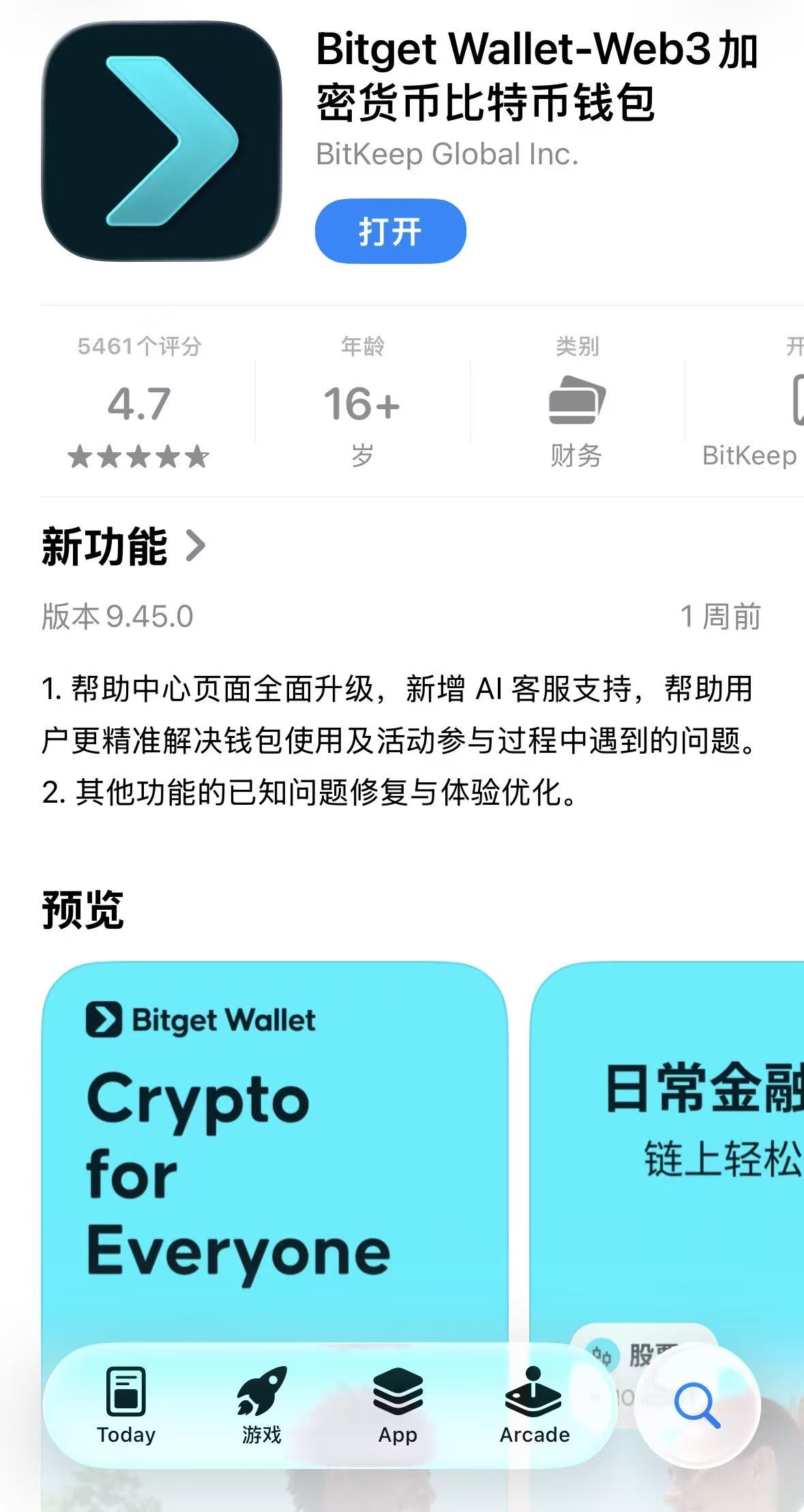
Step 1: Install Bitget Wallet
Install the Bitget Wallet app from Google Play or a supported non-Mainland-China App Store region.
💡 My referral code originally offered a 5 USDC reward: t2888888
This is a referral link. I may receive a platform reward if you register through it.
Step 2: Create a wallet
Open the app and choose Create wallet.
Step 3: Set the wallet password
Enter the wallet password.
⚠️ Important: in the flow I used, this password was stored locally and could not simply be recovered if forgotten. Back it up appropriately.
Step 4: Open Pay
Tap the Pay tab in the bottom navigation.
Step 5: Choose the bank-card option
Open the Bank Card entry.
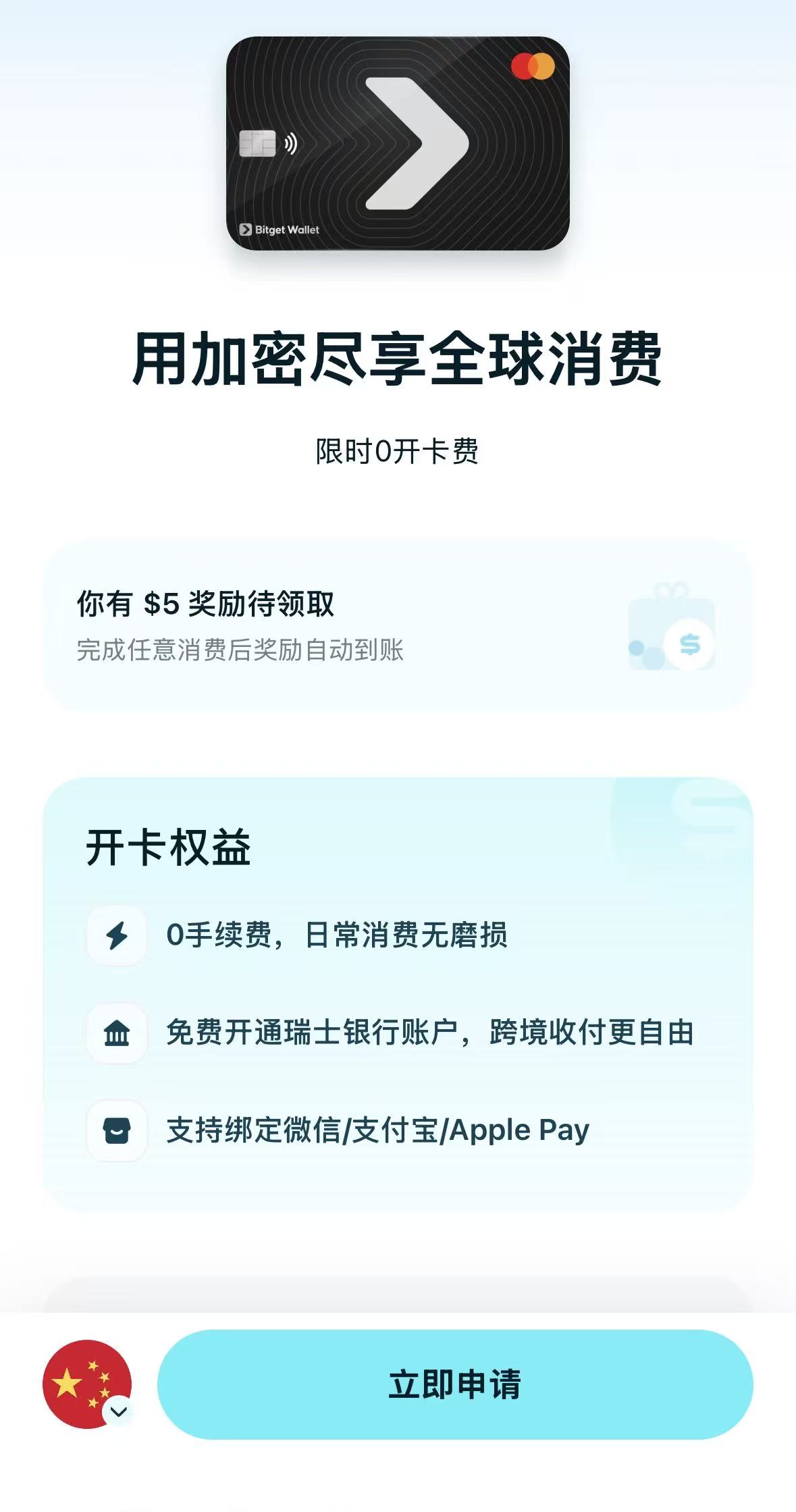
Step 6: Select the address/card path
In my original flow, a Mainland China identity entered the black virtual bank-card path.
The entry point can change with region, review status, and product rules.
As of September 30, 2026, the official Mainland China help page says applications are limited to people currently living in Mainland China and require:
- a Chinese passport;
- at least $10 equivalent in wallet assets before applying;
- an NFC-capable phone;
- a seed-phrase or MPC wallet rather than a private-key wallet;
- VPN turned off during the application flow.
On July 10, 2026, the help page I checked had shown that new Mainland signups might be unavailable. That status later changed, which is exactly why this step should always follow what the current app actually shows.
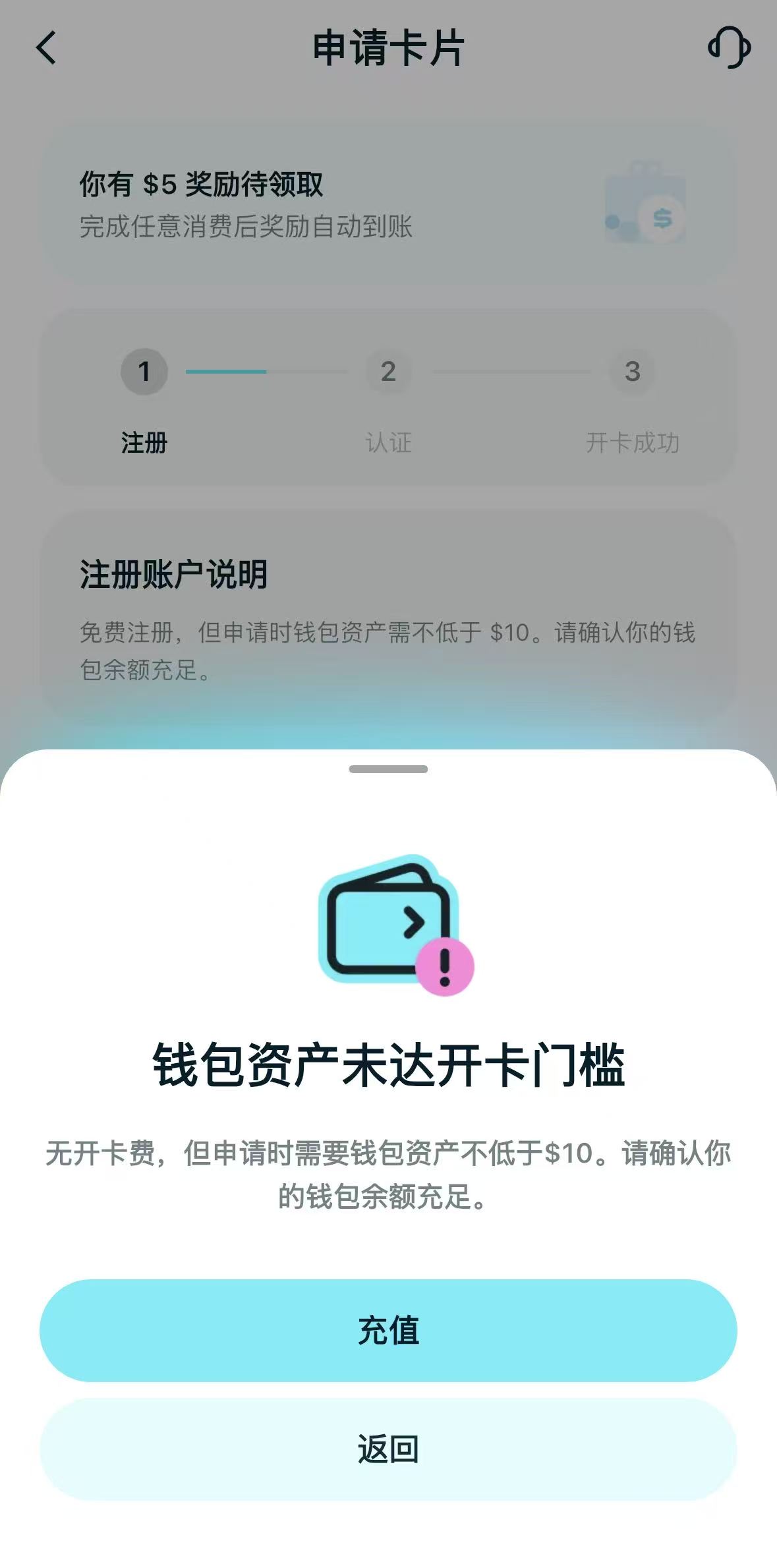
Step 7: Fund the activation amount
The screen I originally used asked for a 10 USDC top-up to activate the card.
Current rules differ by region.
As of September 30, 2026:
- the Mainland China activation page recommends preparing at least 12 USDC/USDT and tells users to confirm the supported network in the app;
- the Europe/Africa/Latin America activation page documents Base-network USDC activation and a region-specific activation-fee structure.
💡 Whether the activation amount becomes spendable balance and what fees apply should be determined from the current app screen for your program.
My screenshots below show the earlier flow, where Arbitrum One was presented.
Choose the network that the app currently shows.
If the app says Arbitrum One, withdraw over Arbitrum One.
If it says Base or another network, use that exact network.
Copy the deposit address only after checking the live screen.
Step 8: Withdraw from an exchange
Using OKX as the example from my original setup:
- Open Withdraw → On-chain withdrawal.
- Choose USDC.
- Choose the exact same network shown by the Bitget Wallet Card page.
- Paste the deposit address shown by Bitget Wallet.
- Enter the amount. I originally used about 16 USDC so I would have room for the later GetGas step.
Step 9: Enable GPS and accept the terms
The original activation flow required the terms to be accepted and location permission to be enabled.
The current Mainland activation page still documents a possible GPS not allowed error and tells users to enable location access for Bitget Wallet.
Step 10: Complete KYC
My original flow asked for a passport after the form fields were completed.
The current Mainland China application page is more explicit: it says a Chinese passport is required for identity verification and an ID card is not accepted for that path.
KYC requirements can differ by program and region, so the live app remains the source of truth.
Step 11: Read the risk notice
⚠️ Fiat24 is not a bank deposit account with deposit insurance.
I do not keep a large balance there. I fund it for spending and keep the stored value limited.
Step 12: Wait for review
After submission, the application enters review.
In my original test, this took from a few minutes to a few hours.
That is a historical observation from my application, not a guaranteed review time.
Step 13: View the virtual card
After approval, the app exposes the card details, including the card number, expiry date, and CVV.
Step 14: Enable RMB support where available
In my original flow, enabling RMB support in the card settings made it possible to connect the card to WeChat Pay and Alipay.
The current Mainland help documentation still describes Alipay and WeChat Pay support.
One fee boundary matters: the current fee page says a WeChat Pay or Alipay transaction above RMB 200 may carry a 3% fee charged by the payment platform, not by Bitget Wallet or the card issuer.
Step 15: Enable GetGas
I also enabled GetGas so the wallet could automatically replenish gas for transfers instead of requiring a separate manual gas purchase each time.
Current fee points I would check before using the card
The current Mainland China fee documentation is more important than my 2026 screenshots.
As of September 30, 2026, it states:
- no card issuance fee;
- no annual fee;
- no additional card-spending fee;
- a 1% top-up fee;
- possible foreign-exchange loss when the card balance currency differs from the purchase currency;
- a 3% payment-platform fee on WeChat Pay or Alipay payments above RMB 200.
That does not mean every regional card program has the same rules.
Always match the fee page to the program and region shown in your own app.
FAQ
What did activation cost in your original flow?
My original app screen required a 10 USDC top-up.
That is historical.
The current Mainland page recommends at least 12 USDC/USDT and instructs users to confirm the supported network in the app before funding.
How do I open the Fiat24 card from Bitget Wallet?
In my original flow, I opened the Pay section, chose the bank-card entry, selected the available card path, completed the address and terms screens, finished passport KYC, and funded the activation amount.
The exact screens and eligibility rules have changed over time, so the live app should take precedence over the historical screenshots in this article.
Can a Mainland China user apply today?
As of September 30, 2026, Bitget Wallet’s Mainland China help page says yes, for current Mainland China residents, subject to the listed requirements.
It requires a Chinese passport, at least $10 equivalent in wallet assets before applying, and an NFC-capable phone. The current help page also limits applications to seed-phrase or MPC wallets, excludes private-key wallets, and instructs applicants to turn off VPN during the application.
This changed from the status I saw on July 10, 2026, so I would not rely on old screenshots or forum posts for eligibility.
Which network should I use?
Use the network shown in the app.
My earlier flow used Arbitrum One. Current regional documentation differs, and the Europe/Africa/Latin America program explicitly documents Base-network USDC for activation.
Never infer the network from an old guide when an on-chain transfer is involved.
What identity verification is required?
My original application used passport verification.
As of September 30, 2026, the current Mainland China application page specifically requires a Chinese passport for that flow and says an ID card is not accepted. Other regional programs can have different requirements, so follow the current app and help page for your card program.
Can it be linked to Alipay and WeChat Pay?
It worked in my setup, and current Mainland documentation still lists those payment platforms.
Remember the current fee note for payments above RMB 200.
Can it be linked to Google Pay and Apple Pay?
The current help content lists both Google Pay and Apple Pay among supported payment platforms, subject to your regional availability.
Can it pay for ChatGPT?
It worked in my test.
I preferred using it through Google Pay rather than entering the card directly.
Comments